We've received your preview request!
We'll send your free preview to your email within 24 hours.
Create Your Free Preview
It only takes 2 minutes!
Click to upload or drag & drop
PNG, JPG, HEIC up to 20MB
Keep this moment
We'll keep their glow here for 7 days. Where should we send the preview?
We respect your privacy. No spam, ever.
What You Need
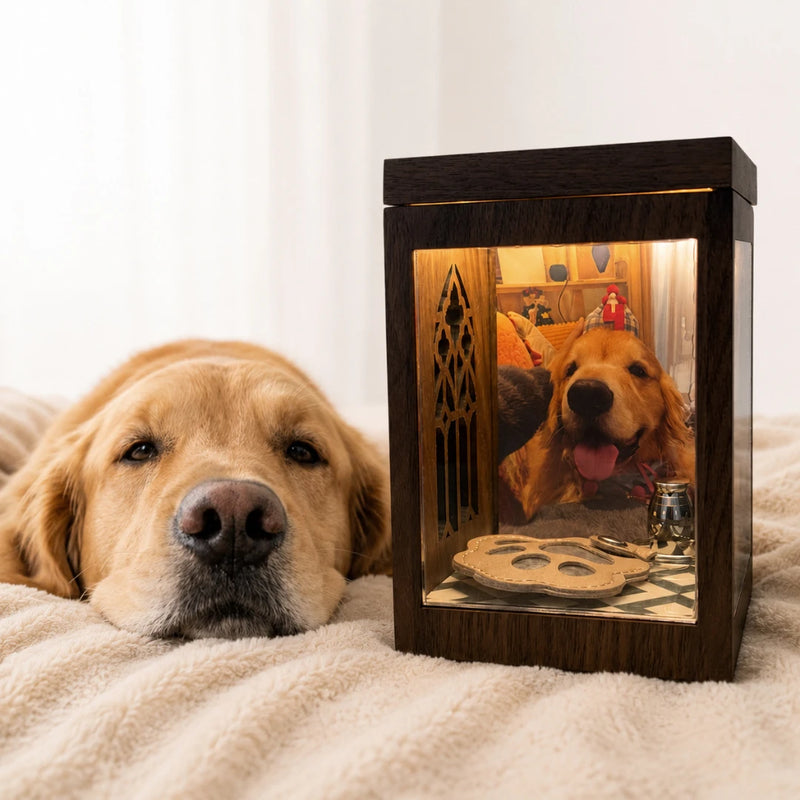
The box is only the display.The Pawever app creates the interactive pet hologram.
- Clear acrylic sheet or plastic sheet
- A small wooden or cardboard base
- Smartphone to project
The Box Is Simple. The Magic Comes from Pawever.
- Simply Upload your pet’s photo
- Generate a personalized pet hologram
- Project it through your phone
- Interact with your pet using touch-based actions
Try Pawever with a Digital Hologram Pack
-
Premium Hologram Interaction Pack
Regular price $15.00 USDRegular price -
Basic Hologram Interaction Pack
Regular price $10.00 USDRegular price


Step-by-Step DIY Guide
The box is only the display.The Pawever app creates the interactive pet hologram.

Prepare the transparent panels
Cut clear acrylic or plastic sheets into matching panels for the projection chamber.

Build the display chamber
Assemble the transparent panels into a small box shape, leaving enough space for the projection to appear inside.

Generate The Hologram
Open the Pawever App, Upload your pet’s photo, generate the hologram, and start the projection.
Place your phone screen-down
Place your phone screen-down on top of the box and interact with your pet’s hologram inside.